Indicator
Configure TradeSistant Indicator for TradingView platform
Register account to get 7 days free trial.
Visit our Facebook group for more information.
TradeSistant Indicator for TradingView
Set up indicator
Note! Once access to the indicator has been granted, open the TradingView platform and then, in the Indicators menu search for the indicator named Intralogic TradeSistant.
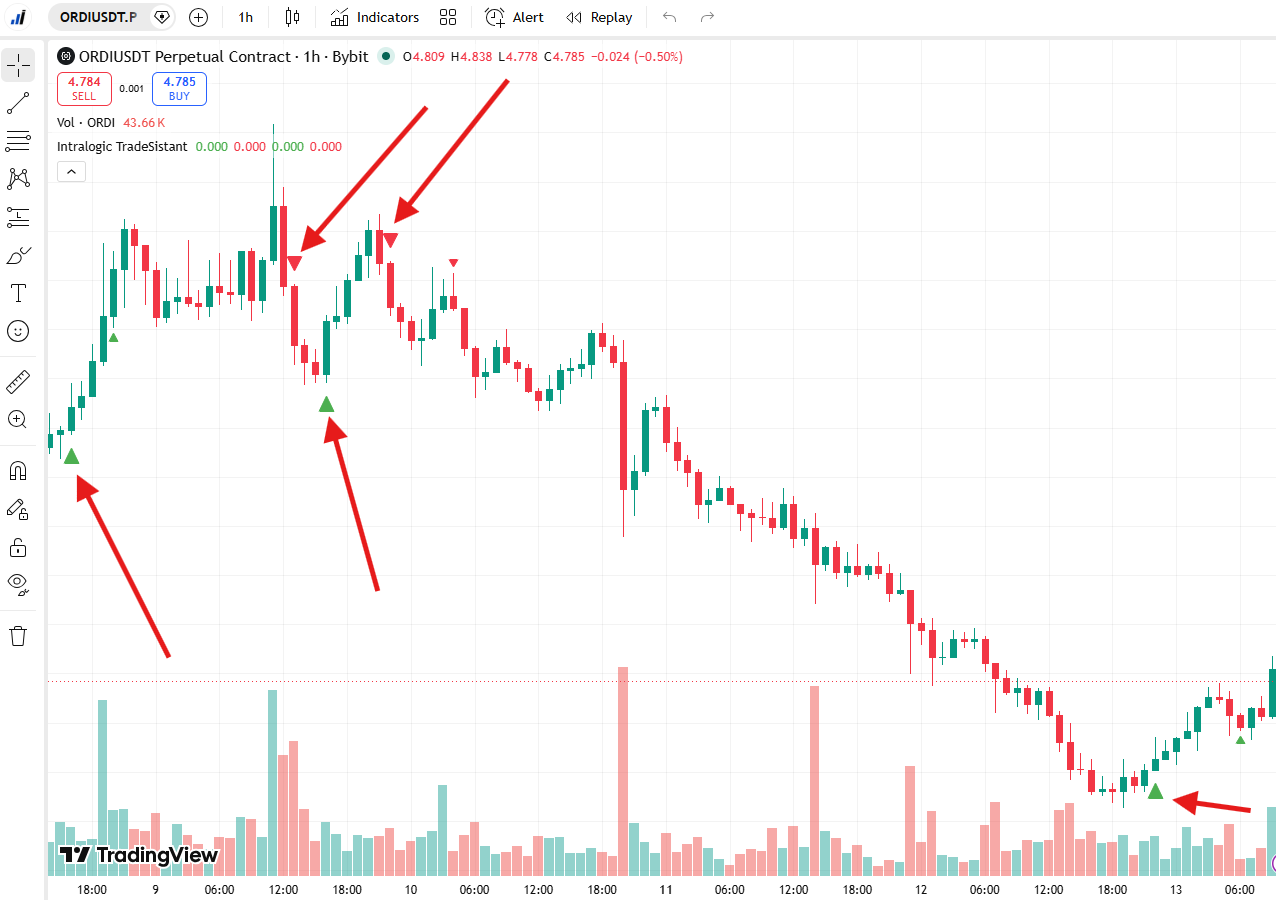
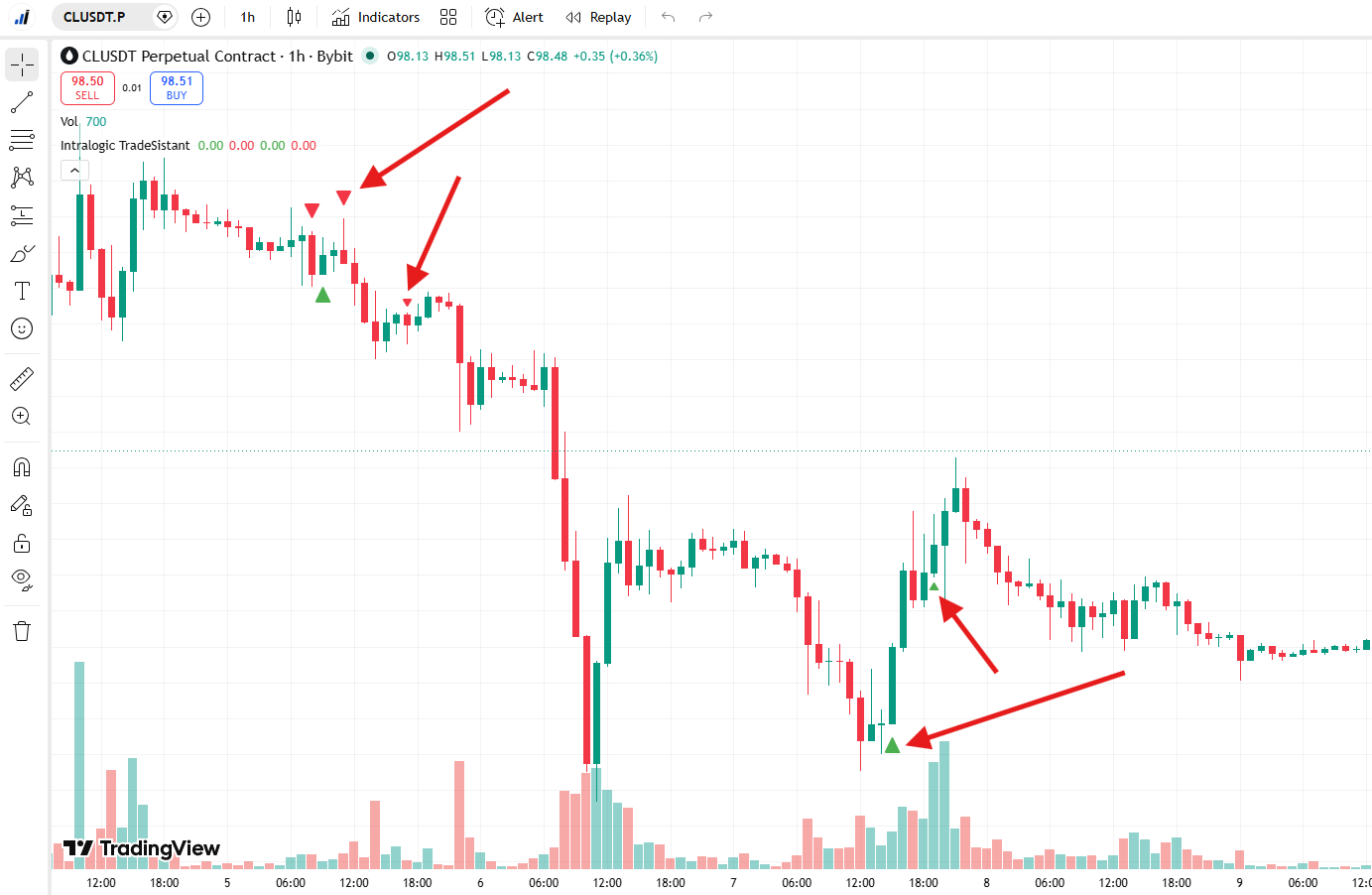
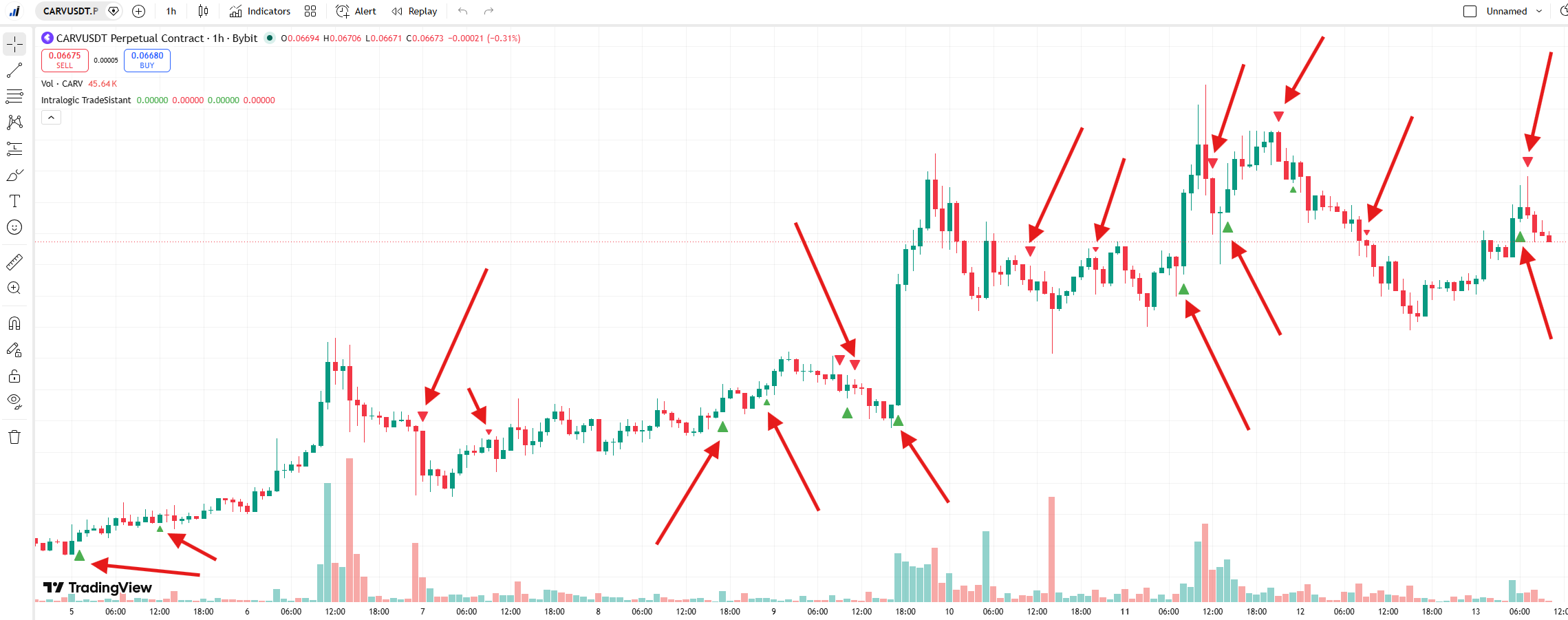
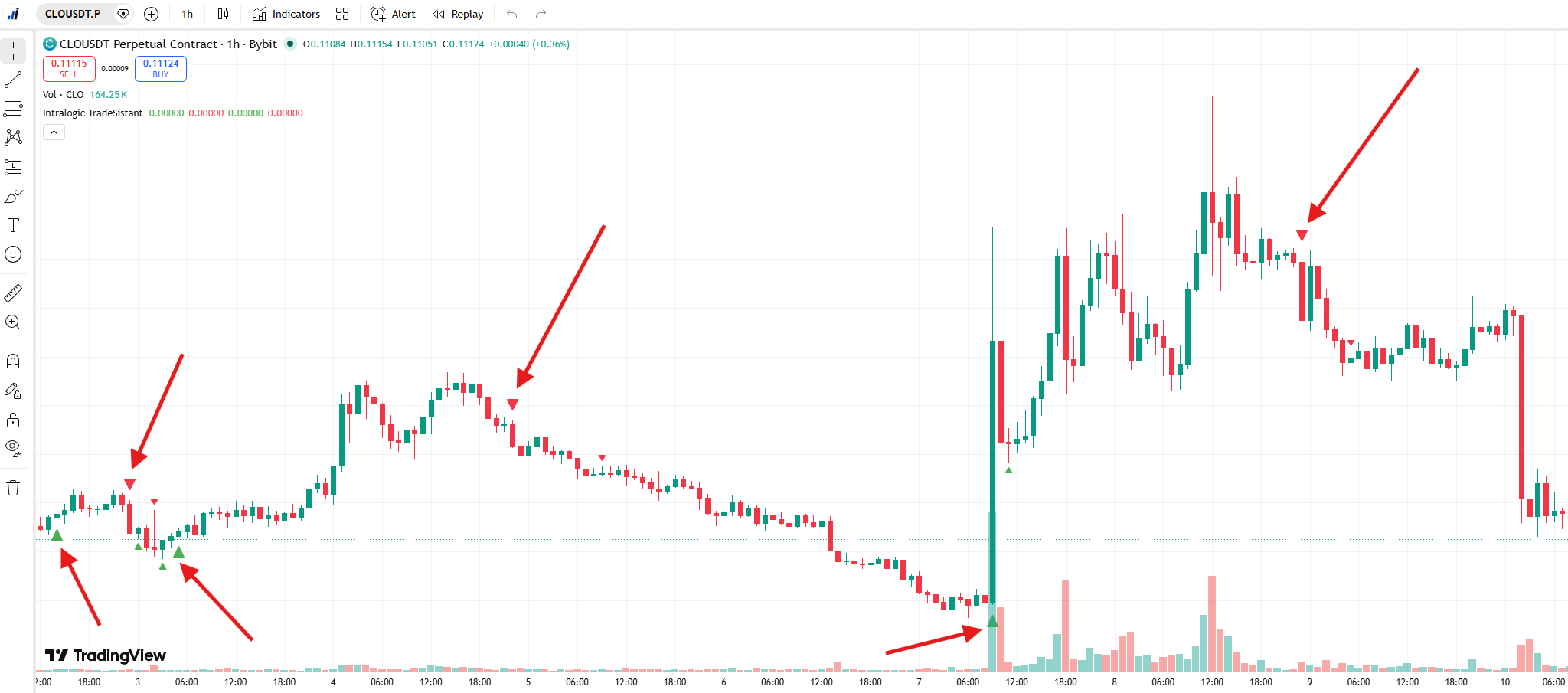
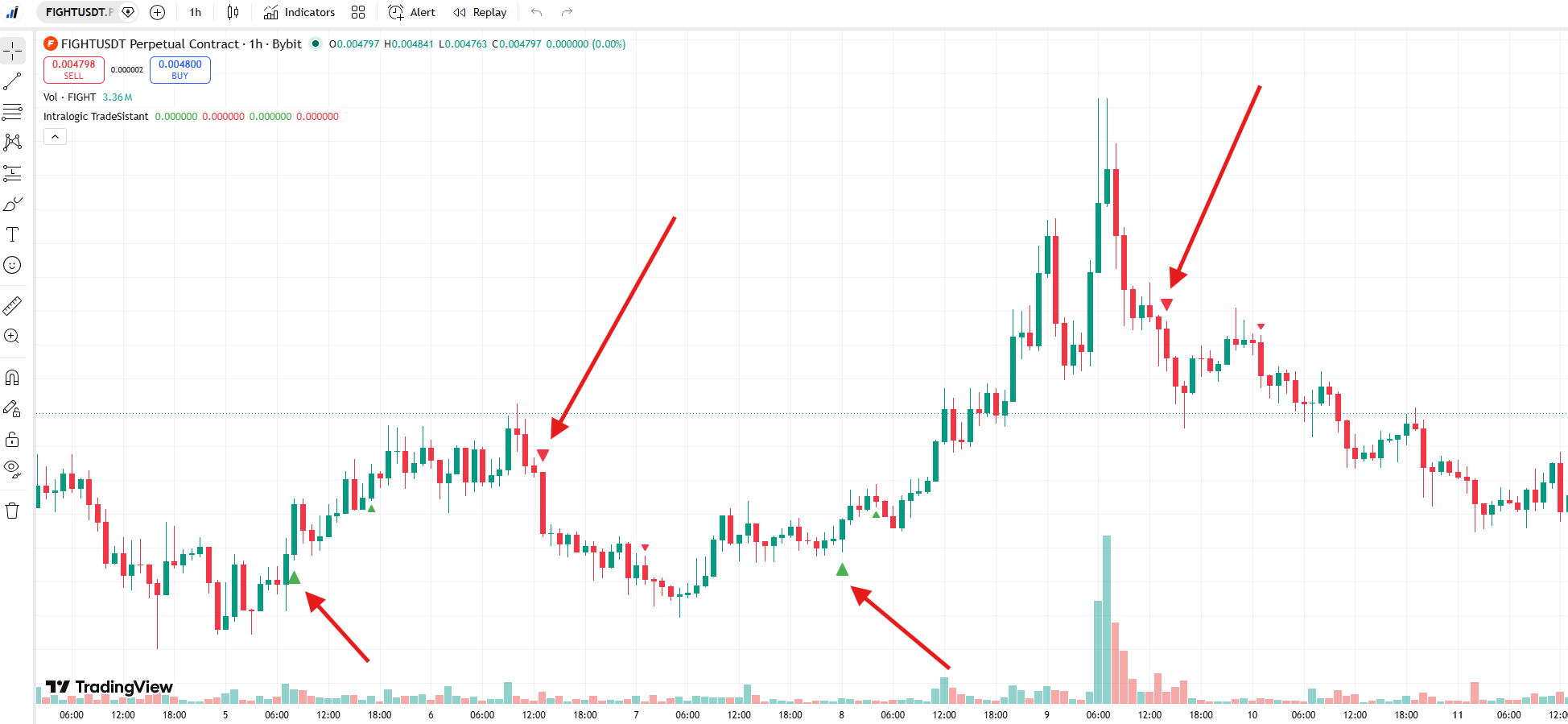
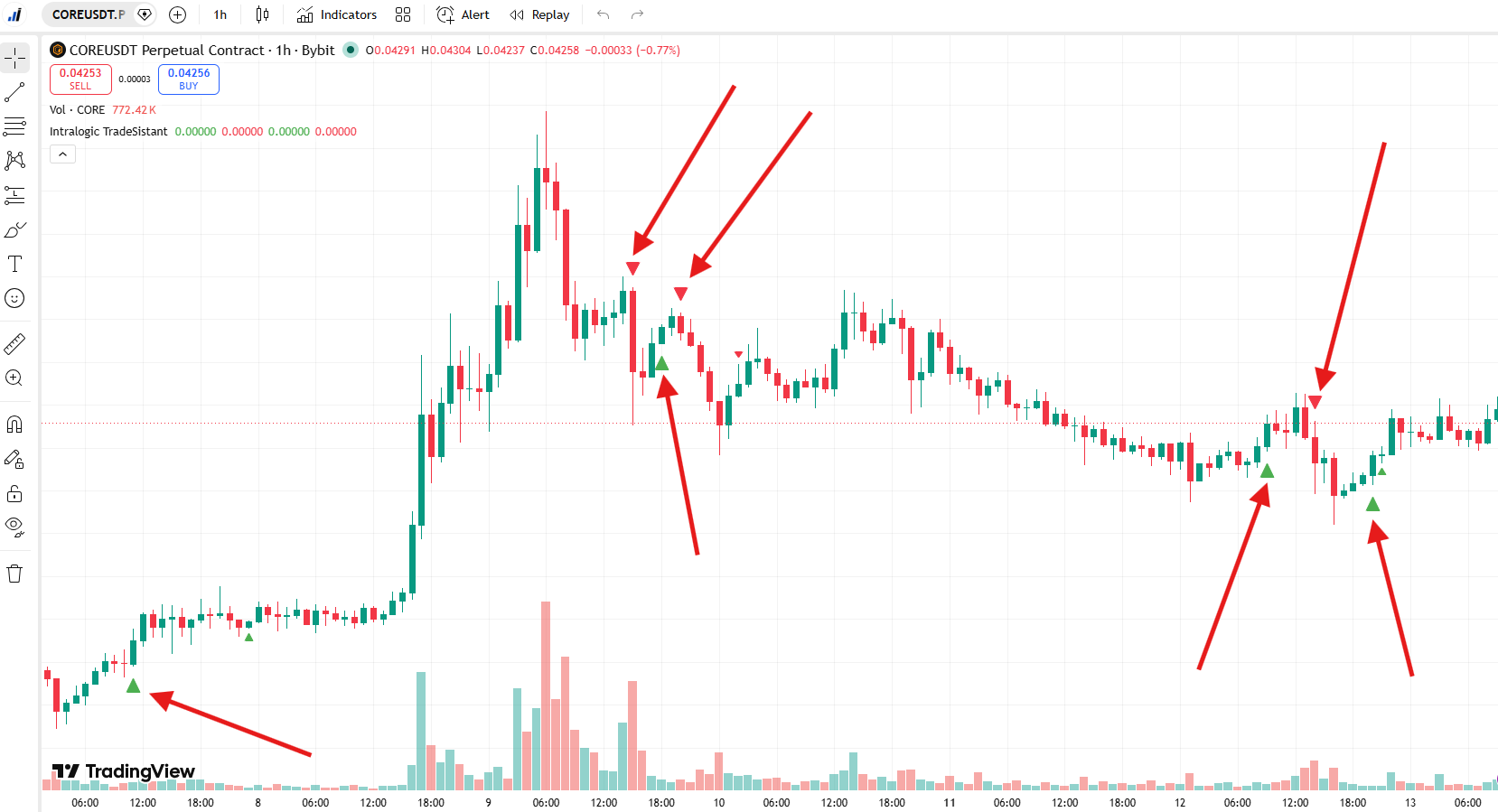
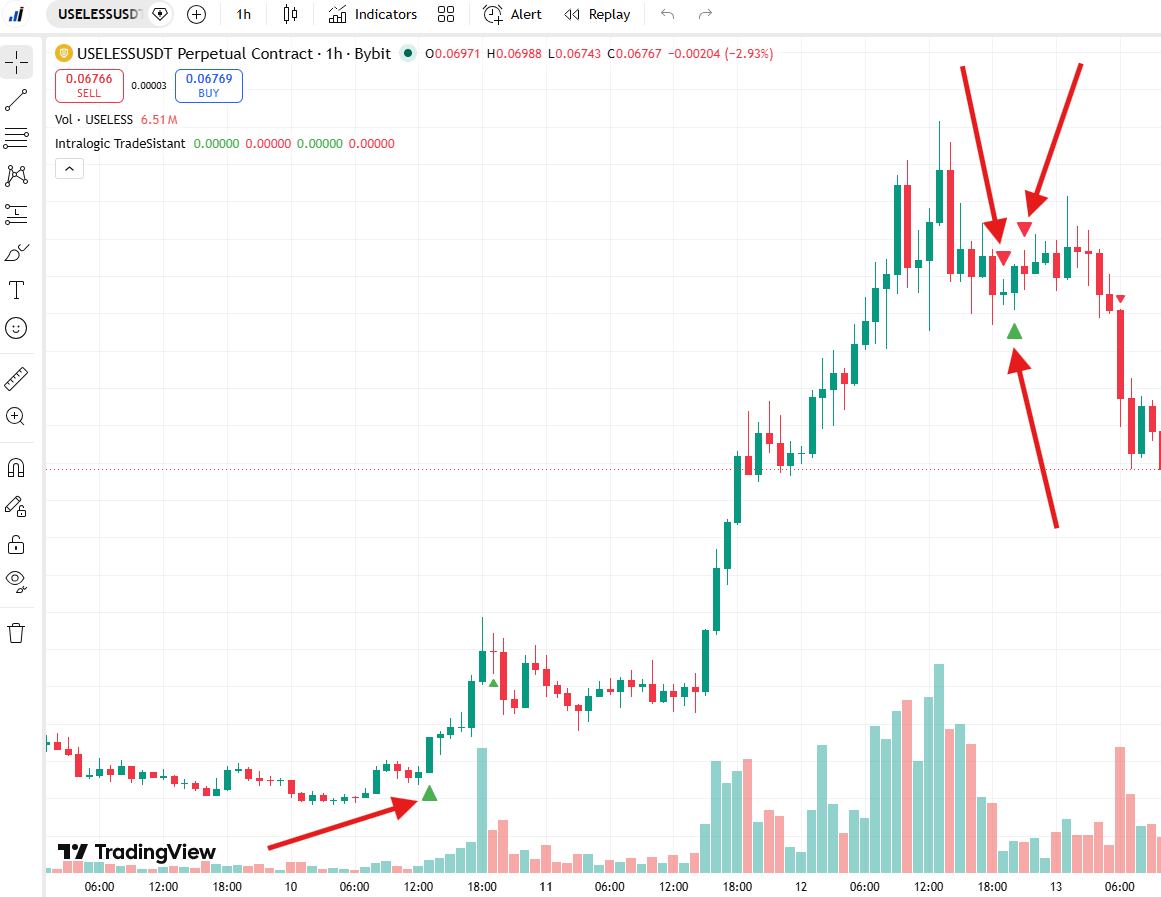
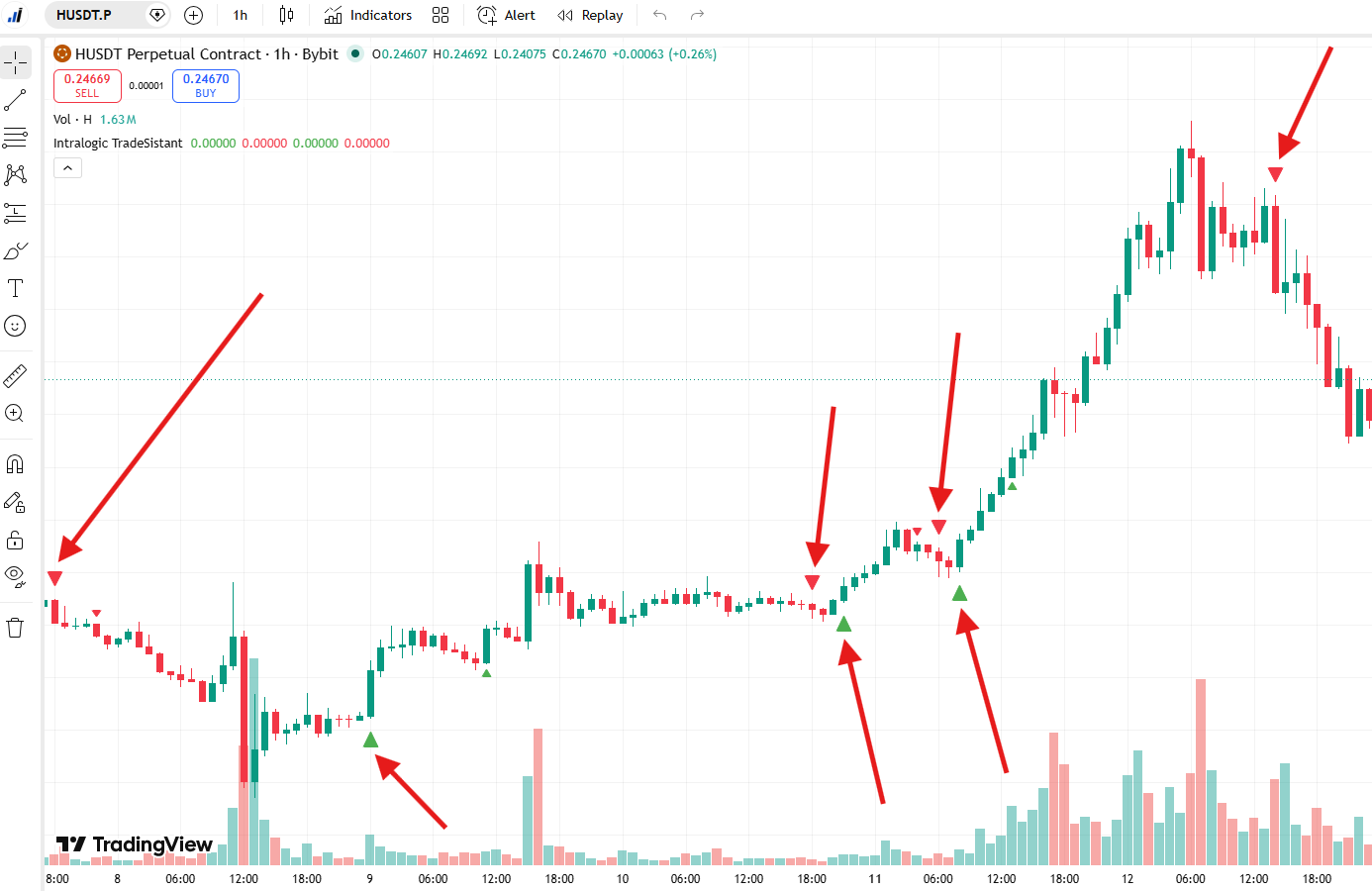
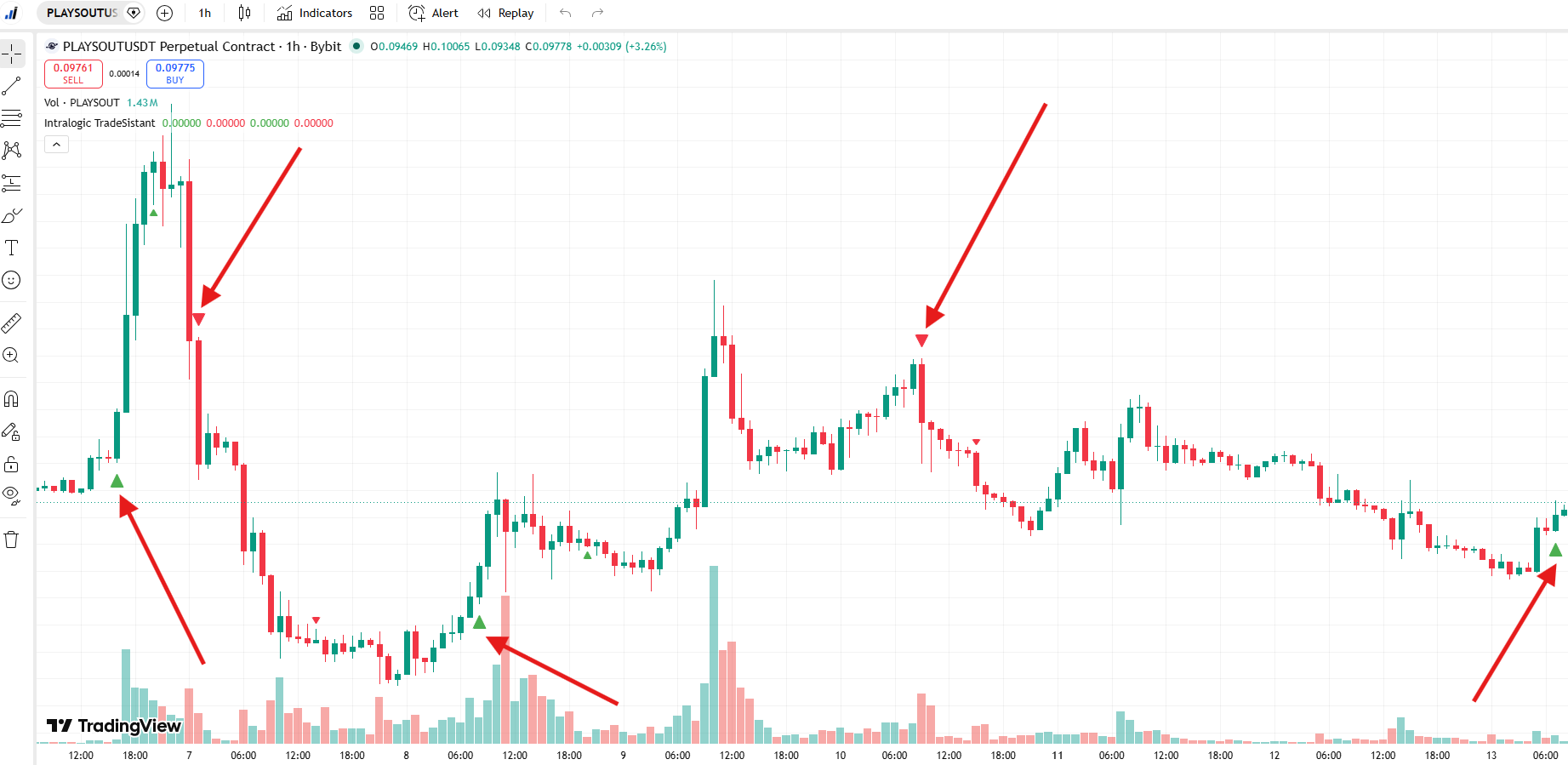
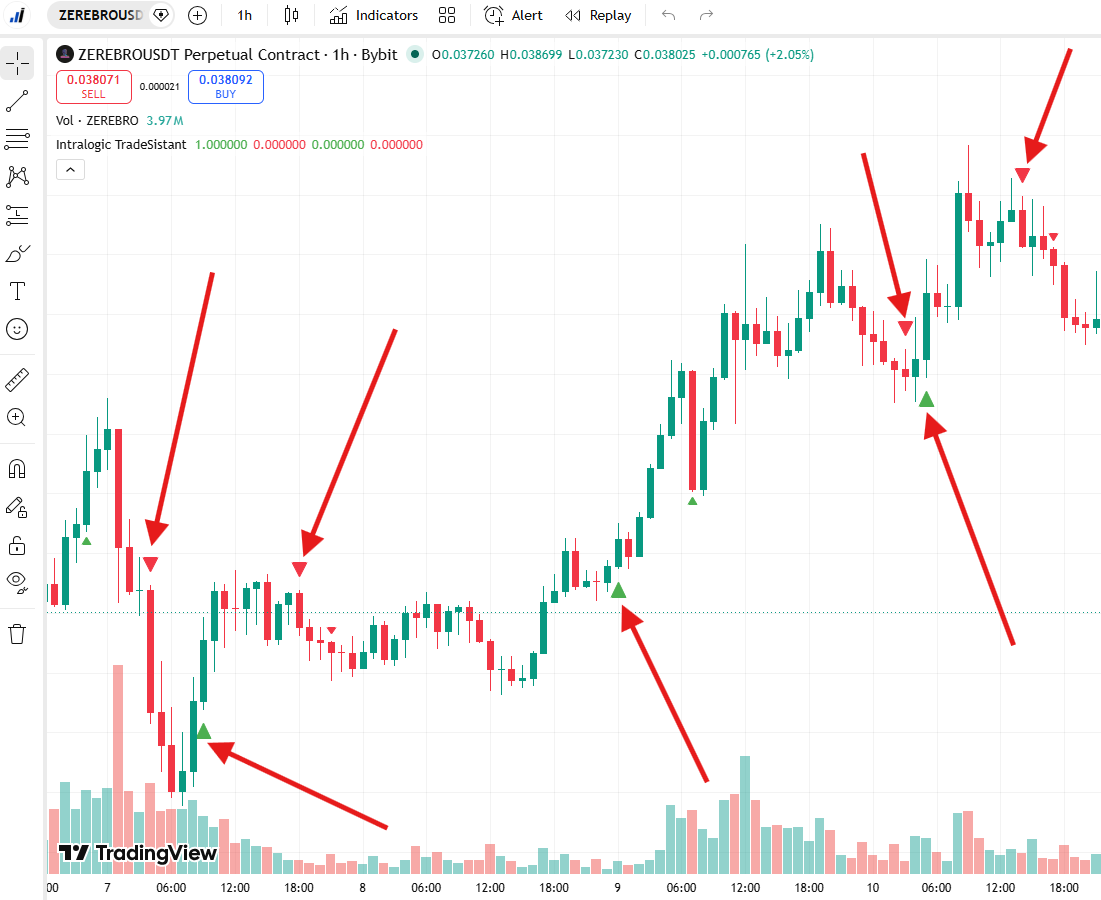
TradeSistant Indicator Examples
Coins Statistics in Assistant menu panel are based on our TradeSistant Indicator.